Run your showroom
Your name on every photo.
Car photos get shared, saved and reposted. Upload your logo once and Repluno adds it to every car photo, so each picture brings buyers back to you.
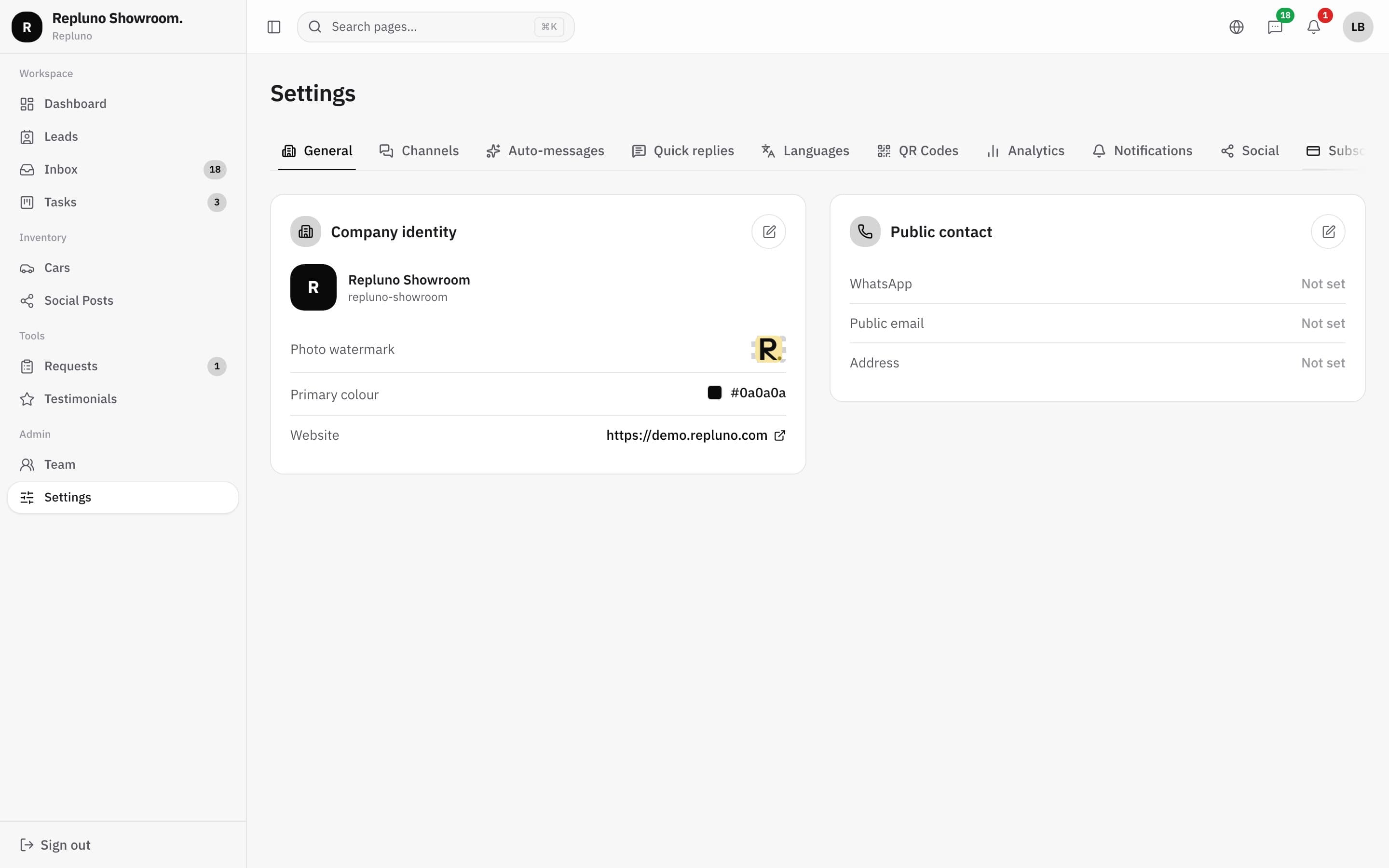
01
Set it once
Upload your logo in Settings and choose it as the photo watermark.
02
Added on upload
Every new car photo gets your logo, with nothing to do in an editing app.
03
Your brand everywhere
Your logo and colour also appear on your website and in Repluno.
On your photos
Every picture carries your name
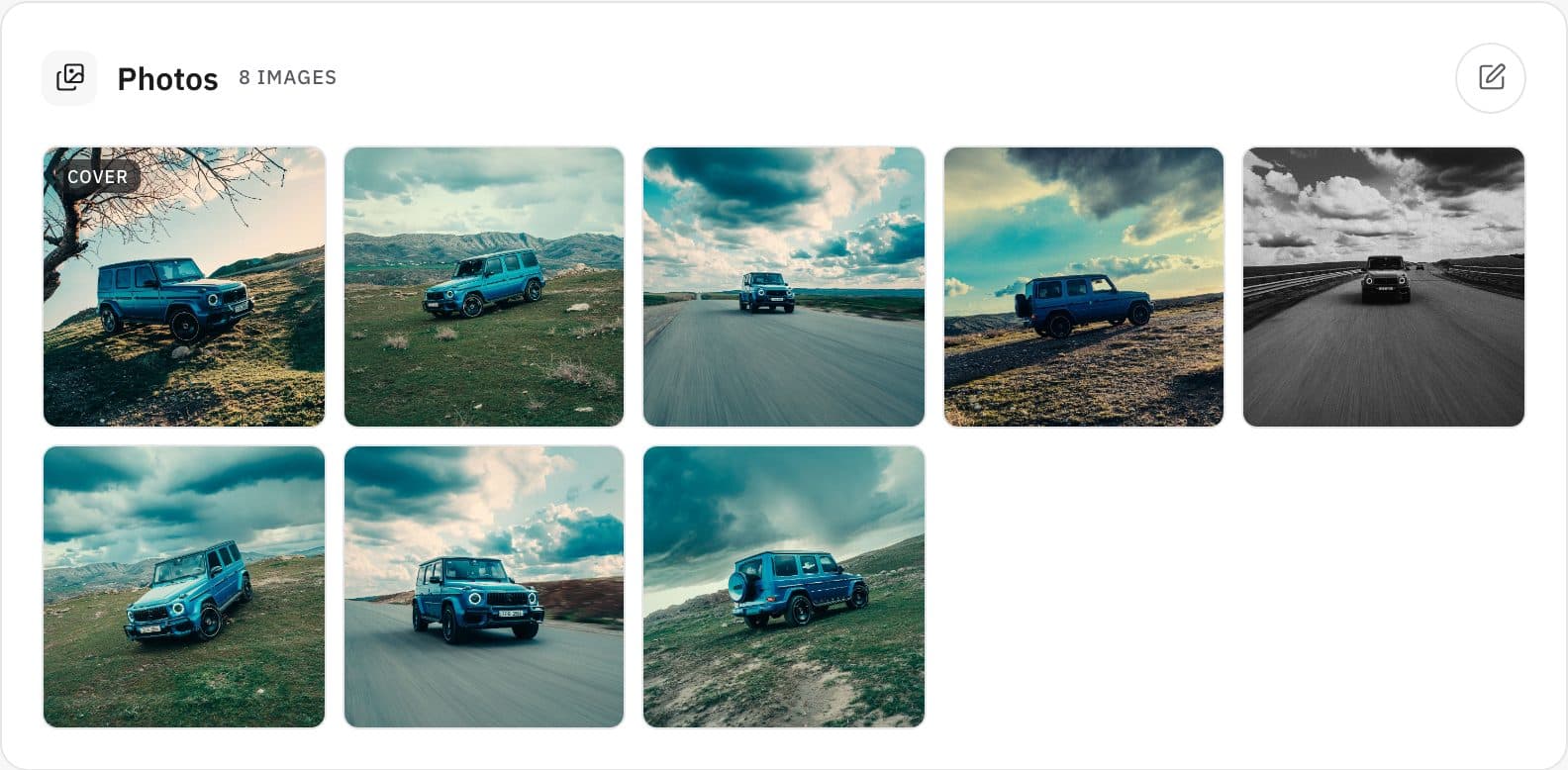
When your team uploads car photos, Repluno adds the watermark and saves a light JPEG that loads fast on the website and in WhatsApp.
- Watermark added on upload
- Light JPEG files
- Works for every car photo
Why it matters
Photos travel further than your website
Buyers forward car photos to family and friends, and other sellers sometimes reuse them. With your logo on every photo, the picture always points back to your showroom.
How it starts
Up and running in three steps.
- 1
Upload your logo
In Settings, under company identity.
- 2
Set the watermark
Choose the logo to use on photos.
- 3
Upload car photos
The watermark is added automatically.
Questions
About the Logo and photo watermark
No. Repluno adds the watermark when the photo is uploaded.
Yes, to every car photo uploaded once the watermark is set.
Yes. Upload a new one in Settings, and new photos use it.
See your own cars on your own site.
Send the link. We build it. You decide.